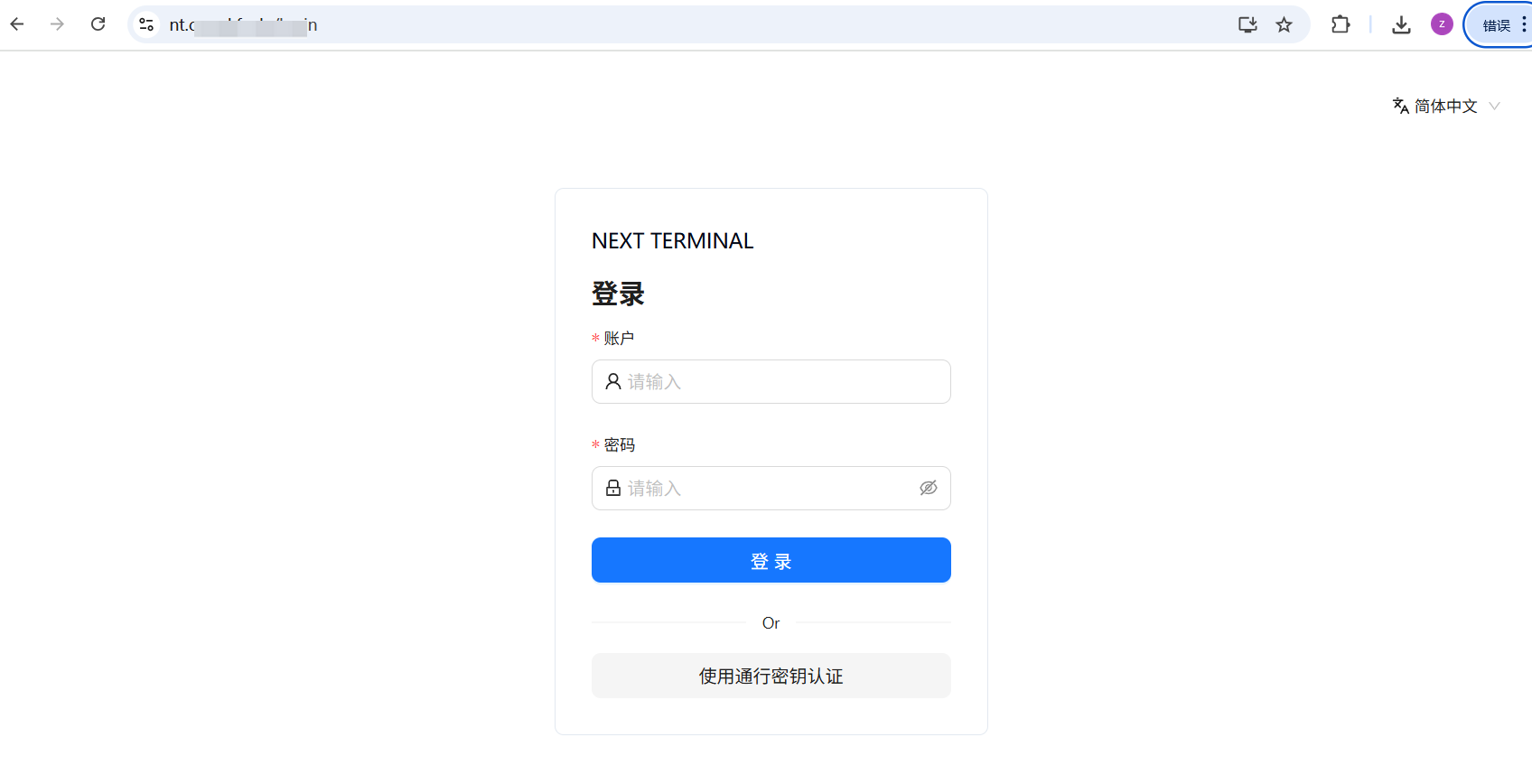


开源运维审计系统NEXT-TERMINAL(K8S版)
一、通过原生的docker-compose文件分析所需组件
services:
  guacd:
    container_name: guacd
    image: dushixiang/guacd:latest
    volumes:
      - ./data:/usr/local/next-terminal/data
    restart: always

  postgresql:
    container_name: postgresql
    image: postgres:16.4
    environment:
      POSTGRES_DB: next-terminal
      POSTGRES_USER: next-terminal
      POSTGRES_PASSWORD: next-terminal
    volumes:
      - ./data/postgresql:/var/lib/postgresql/data
    restart: always

  next-terminal:
    container_name: next-terminal
    image: dushixiang/next-terminal:latest
    ports:
      - "8088:8088" # Web管理界面
      - "2022:2022" # SSH Server 端口 (可选)
      - "80:80"     # 资产反代 HTTP 端口 (可选)
      - "443:443"   # 资产反代 HTTPS 端口 (申请证书必需)
    volumes:
      - /etc/localtime:/etc/localtime:ro
      - ./data:/usr/local/next-terminal/data
      - ./logs:/usr/local/next-terminal/logs
      - ./config.yaml:/etc/next-terminal/config.yaml
    depends_on:
      - postgresql
      - guacd
    restart: always
总共三个组件,guacd(远程网关),postgresql(数据库)可选用mysql,next-terminal(堡垒机本身)
二、改造为K8S的资源文件
1、持久化数据文件(三个数据持久化)
postgres-pvc.yaml
# PostgreSQL PVC
apiVersion: v1
kind: PersistentVolumeClaim
metadata:
  name: postgres-pvc
  namespace: next-terminal
spec:
  storageClassName: nfs-client
  accessModes:
    - ReadWriteOnce
  resources:
    requests:
      storage: 3Gi
guacd-pvc.yaml
# Next Terminal 数据 PVC
apiVersion: v1
kind: PersistentVolumeClaim
metadata:
  name: guacd-data-pvc
  namespace: next-terminal
spec:
  storageClassName: nfs-client
  accessModes:
    - ReadWriteOnce
  resources:
    requests:
      storage: 2Gi
nt-logs-pvc.yaml
# Next Terminal 日志 PVC
apiVersion: v1
kind: PersistentVolumeClaim
metadata:
  name: nt-logs-pvc
  namespace: next-terminal
spec:
  storageClassName: nfs-client
  accessModes:
    - ReadWriteOnce
  resources:
    requests:
      storage: 1Gi
2、三个服务的deployment文件
postgres-deployment.yaml
(此处部署postgresql,用statefulset会更好,为了方便,直接使用了deployment)
---
# PostgreSQL Deployment
apiVersion: apps/v1
kind: Deployment
metadata:
  name: postgresql
  namespace: next-terminal
spec:
  replicas: 1
  selector:
    matchLabels:
      app: postgresql
  template:
    metadata:
      labels:
        app: postgresql
    spec:
      containers:
        - name: postgresql
          image: postgres:16.4
          ports:
          - containerPort: 5432
          env:
            - name: POSTGRES_DB
              value: next-terminal
            - name: POSTGRES_USER
              value: next-terminal
            - name: POSTGRES_PASSWORD
              value: next-terminal
          volumeMounts:
            - name: postgres-data
              mountPath: /var/lib/postgresql/data
      volumes:
        - name: postgres-data
          persistentVolumeClaim:
            claimName: postgres-pvc
guacd-deployment.yaml
---
# guacd Deployment
apiVersion: apps/v1
kind: Deployment
metadata:
  name: guacd
  namespace: next-terminal
spec:
  replicas: 1
  selector:
    matchLabels:
      app: guacd
  template:
    metadata:
      labels:
        app: guacd
    spec:
      containers:
        - name: guacd
          image: dushixiang/guacd:latest
          ports:
          - containerPort: 4822
          volumeMounts:
            - name: nt-data
              mountPath: /usr/local/next-terminal/data
      volumes:
        - name: nt-data
          persistentVolumeClaim:
            claimName: guacd-data-pvc
nt-deployment.yaml
---
# next-terminal Deployment
apiVersion: apps/v1
kind: Deployment
metadata:
  name: next-terminal
  namespace: next-terminal
spec:
  replicas: 1
  selector:
    matchLabels:
      app: next-terminal
  template:
    metadata:
      labels:
        app: next-terminal
    spec:
      containers:
        - name: next-terminal
          image: dushixiang/next-terminal:latest
          ports:
            - containerPort: 8088
            - containerPort: 2022
            - containerPort: 80
            - containerPort: 443
          volumeMounts:
            - name: nt-data
              mountPath: /usr/local/next-terminal/data
            - name: nt-logs
              mountPath: /usr/local/next-terminal/logs
            - name: nt-config
              mountPath: /etc/next-terminal/config.yaml
              subPath: config.yaml
          env:
            - name: TZ
              value: Asia/Shanghai
      volumes:
        - name: nt-data
          persistentVolumeClaim:
            claimName: guacd-data-pvc
        - name: nt-logs
          persistentVolumeClaim:
            claimName: nt-logs-pvc
        - name: nt-config
          configMap:
            name: nt-config
3、三个服务的service文件
-
postgres-svc.yaml
# PostgreSQL Service apiVersion: v1 kind: Service metadata: name: postgresql namespace: next-terminal spec: ports: - port: 5432 targetPort: 5432 selector: app: postgresql -
guacd-svc.yaml
# guacd Service apiVersion: v1 kind: Service metadata: name: guacd namespace: next-terminal spec: ports: - port: 4822 targetPort: 4822 selector: app: guacd -
nt-svc.yaml
# next-terminal Service
apiVersion: v1
kind: Service
metadata:
  name: next-terminal
  namespace: next-terminal
spec:
  # type: NodePort
  ports:
    - name: web
      port: 8088
      targetPort: 8088
      # nodePort: 30088
  selector:
    app: next-terminal
4、使用traefik暴露服务
- nt-ingressroute.yaml
apiVersion: traefik.io/v1alpha1
kind: IngressRoute
metadata:
  name: nt
  namespace: next-terminal
spec:
  entryPoints:
  - websecure
  - web
  routes:
  - match: Host(`nt.crazy.com`)
    kind: Rule
    services:
      - name: next-terminal
        port: 8088
5、创建配置文件
- nt-config.yaml
apiVersion: v1
kind: ConfigMap
metadata:
  name: nt-config
  namespace: next-terminal
data:
  config.yaml: |
    database:
      enabled: true
      type: postgres
      postgres:
        hostname: postgresql
        port: 5432
        username: next-terminal
        password: next-terminal
        database: next-terminal
    log:
      level: debug
      filename: ./logs/nt.log

    server:
      addr: "0.0.0.0:8088"
      tls:
        enabled: false
        auto: false
        cert: ""
        key: ""

    app:
      recording:
        type: "local"
        path: "/usr/local/next-terminal/data/recordings"
      guacd:
        drive: "/usr/local/next-terminal/data/drive"
        hosts:
          - hostname: guacd
            port: 4822
            weight: 1
三、部署资源文件
1、手动部署资源文件
kubectl create namespace next-terminal
# 安装先部署 存储 → 数据库 → 后端 → 前端/路由
kubectl apply -f guacd-pvc.yaml nt-logs-pvc.yaml postgres-pvc.yaml
kubectl apply -f postgres-deployment.yaml postgres-svc.yaml
kubectl apply -f guacd-deployment.yaml guacd-svc.yaml
kubectl apply -f nt-deployment.yaml nt-svc.yaml
kubectl apply -f nt-ingressroute.yaml
2、通过Kustomize 管理
apiVersion: kustomize.config.k8s.io/v1beta1
kind: Kustomization
namespace: next-terminal
resources:
  - namespace.yaml
  - guacd-pvc.yaml
  - nt-logs-pvc.yaml
  - postgres-pvc.yaml
  - postgres-deployment.yaml
  - postgres-svc.yaml
  - guacd-deployment.yaml
  - guacd-svc.yaml
  - nt-deployment.yaml
  - nt-svc.yaml
  - nt-ingressroute.yaml

configMapGenerator:
  - name: app-config
    files:
      - config.yaml
generatorOptions:
  disableNameSuffixHash: true
kubectl apply -k .
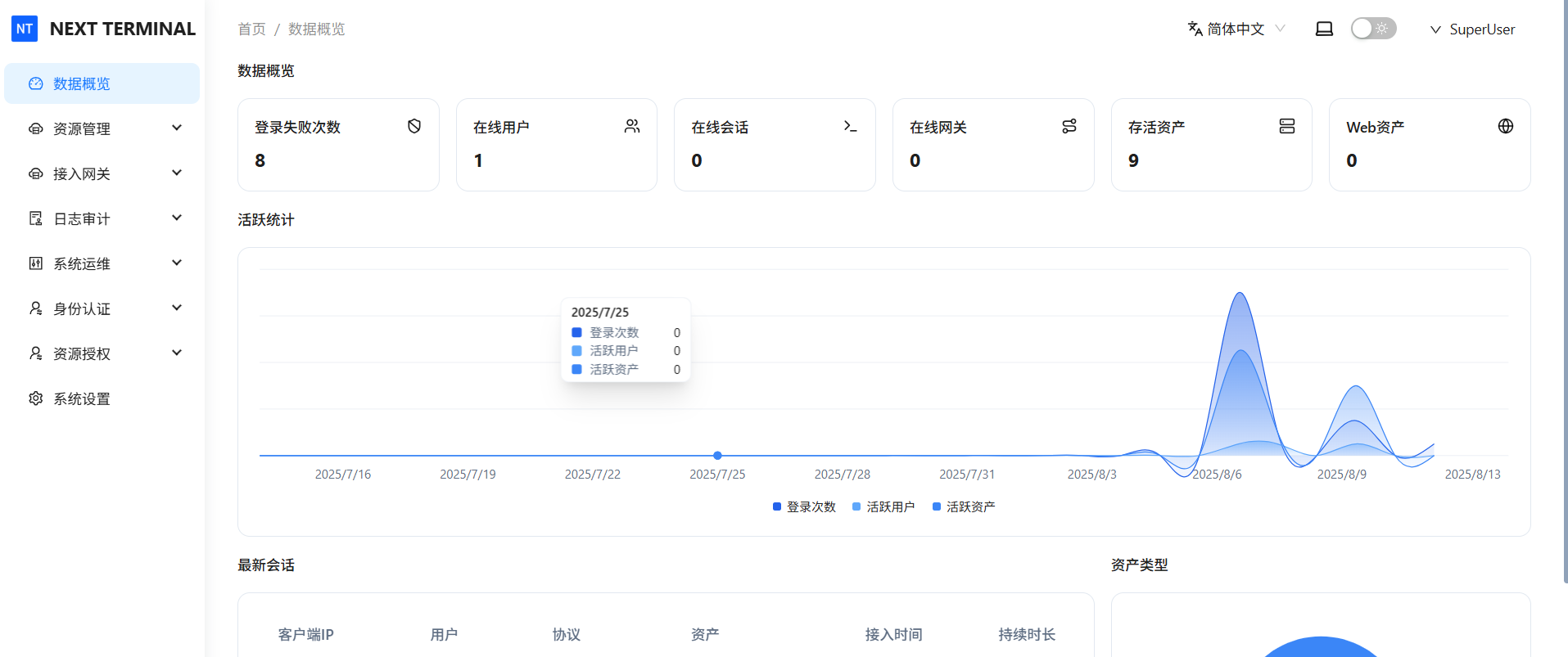
四、部署结果